Personalized TikTok preview
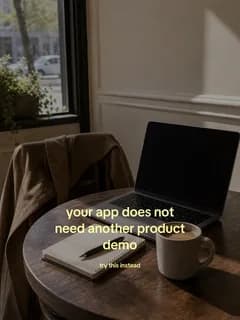
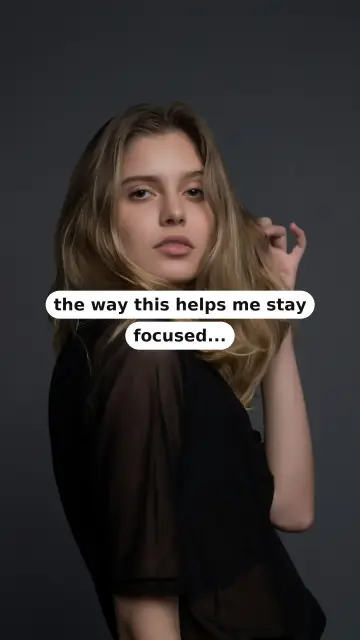
See the TikTok slideshow ShortGen would make for your app.
Paste your App Store, Play Store, or product website. See your personalized slideshow before signup.


Used by real founders and creators.

 1/6
1/6▶ 24.6K♥ 1.2K
@yourapp
is it just me or does life feel less chaotic now?
♫ original sound

Straight out of ShortGen
A ShortGen week on your TikTok profile.
Copy, visuals, and composition built around one product and tested against real audience response.


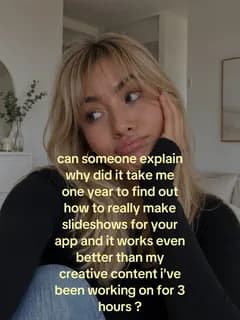
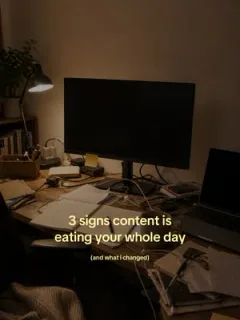
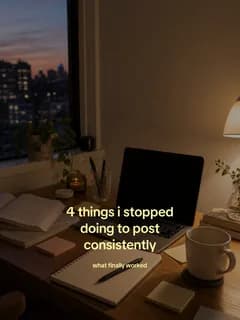
How it works
From one URL to TikTok slideshows in minutes.
ShortGen turns your app into review-ready TikTok stories.
Add your URL
Paste your app link and get your first draft batch.

FancyCalendar
ProductivityFancyCalendar helps you plan your week, build routines, and actually stick to them.
Review and post
Pick the drafts you want and send them to TikTok.



ShortGen learns for you
Views reveal winners. Each new batch adapts automatically.
Posted
me at 10pm realizing i forgot to post... again
Published146Kthe unedited clip that finally worked
Published48.2KViews (Last 7 days)
241.9K ↑ 34%
Nothing posts without your approval.
Founding pricing, locked while you stay subscribed
4 of 25 founding spots takenStarter
$39/mo founding$49
Goes to $49/mo after the first 25
- 1 product and 1 TikTok account
- 30 slideshows per month
- Performance learning loop
Growth
$79/mo founding$99
Goes to $99/mo after the first 25
- 2 products and 2 TikTok accounts
- 120 slideshows per month
- Performance learning loop
- Custom slideshow editor
Pay only when you activate posting. Your founding rate stays locked while subscribed — the increase above only applies to people who join after the first 25.
Questions, answered.
Do I need to make any content myself?
No. ShortGen writes the copy, selects the visuals, and composes the slides. You can review the finished slideshow before anything is posted.
Does it post to TikTok automatically?
Only if you choose auto-publish. You can also send finished slideshows to TikTok as drafts, add a sound, and publish them yourself.
What makes ShortGen different from other AI tools?
ShortGen measures the real performance of published slideshows and uses that evidence to guide the next experiments for your product.
Does it work for websites or only apps?
Both. Paste an App Store, Play Store, or product website URL. ShortGen reads the product and creates a personalized preview before signup.
See what ShortGen makes for your product.
Your first personalized slideshow appears before signup or payment.